
Digital stamp with automatic document time-stamping
Stamp, sign and time-stamp your PDFs without printing them
Invoicing is going digital. Why continue printing the other documents?
The widespread adoption of electronic invoicing is accelerating the digitalisation of business transactions. So, why continue to print your quotes, contracts, purchase orders or minutes just to stamp, sign and date them?
Yet, most electronic signature solutions rely on a cloud service. Thus, To validate a document, it is sent to a remote server before being signed, and then returned to the user.
Don't digitise your business by halves.
Keymo takes a different approach. Indeed, your documents remain on your device. Whether you are on a PC, a tablet or a smartphone, in the office, with a client or on the move, you choose the document to approve and instantly apply your digital stamp, your signature and its timestamp, without transfer to a server, without a subscription and without paper printing.
Thus, you keep control of your documents whilst accelerating your transition to digital.
- Twenty seconds flat
- No subscription required
- Automatic timestamp
A PDF should never need to be printed to be stamped, signed or dated.
In the era of electronic invoicing, continuing to print a PDF document solely to stamp, sign or time-stamp it no longer makes sense. Not only this step slows down your exchanges, but she also multiplies the handling steps and unnecessarily interrupts your digital workflow. Thanks to Keymo, Your documents remain digital from their creation until their validation.
- With Keymo, your documents stay digital from their creation right through to validation. Stamp, sign and timestamp your PDFs in a few seconds, with no printing, no cloud and no subscription.
Are you fed up of…
- Print a document just to stamp it?
- Send PDFs without your company stamp?
- Wasting time with pointless printing?
- Carry out PDF validations without a certified timestamp?
- Pay a monthly subscription for a basic signature?
There is a simpler solution.
- Open your PDF in Keymo Reader.
- Apply your company stamp and sign your PDF.
- Your PDF is ready to be sent.
Get rid of the paper, not your identity.
Your identity should not disappear with digitalisation.
Keep your official company stamp on all your PDF documents.
Thanks to Keymo, find the same stamp on every digital document that you use on paper. In a matter of seconds, apply your stamp, signature and timestamp, without printing, without the cloud and without a subscription.
VThis is how you preserve your logo, your contact details, your legal notices and your company identity on every single one of your documents, even when they are fully digital.
From now on, you no longer choose between security and visual identity.
Keep your genuine company stamp while benefiting from rapid, secure and easy-to-use digital validation.
• Your true corporate stamp in digital version, featuring your logo, your signature and its timestamp.
• Storage 100 % local your documents stay on your device, with no transfer to the cloud.
• A one-off purchase, no subscription, with a certificate included for 2 years.
• Compatible with all your PDF documents, regardless of the software used to create them.
Your PDF documents never leave your device.
Every document validated with Keymo integrates security mechanisms that guarantee its integrity and make it possible to verify its authenticity. Your documents remain under your control, from start to finish.
- Your documents remain on your device, without transfer to a server or a cloud service.
- Your digital stamp is protected by a PIN, known only to its user.
- Any modification of a document after its validation is detectable, guaranteeing its integrity.
- The documents are protected by cryptographic mechanisms, ensuring their authenticity and traceability.
- Keymo has been designed in accordance with the principles of the European regulation eIDAS for the validation of electronic documents.
Each PDF validated with Keymo remains vverifiable throughout its life cycle.
Your documents must also carry your identity.
Showcase your true corporate identity on every one of your digital documents.
Technology that enhances your identity.
Keymo integrates your company's identity directly into your PDF documents, with no printing, no scanning and no subscription.
Your logo, your stamp, your colours and your brand guidelines are what set your business apart. Why let them disappear when you’re finalising a document?
With Keymo, every PDF document naturally reflects your company’s brand identity, whilst benefiting from fast, secure and verifiable digital validation.
Find out how to validate a PDF in under 20 seconds.
Watch this video to find out how to stamp, sign and date a PDF document in under 20 seconds.
I work exclusively in digital
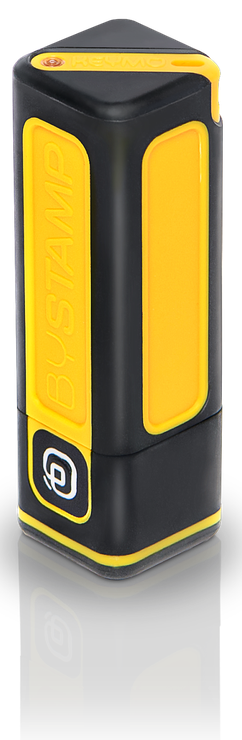
Keymo™ Stick, 100 % digital
Sign and stamp your PDFs in seconds, whether you’re in the office or on the move. No printing, no hassle.
I work on paper and digitally
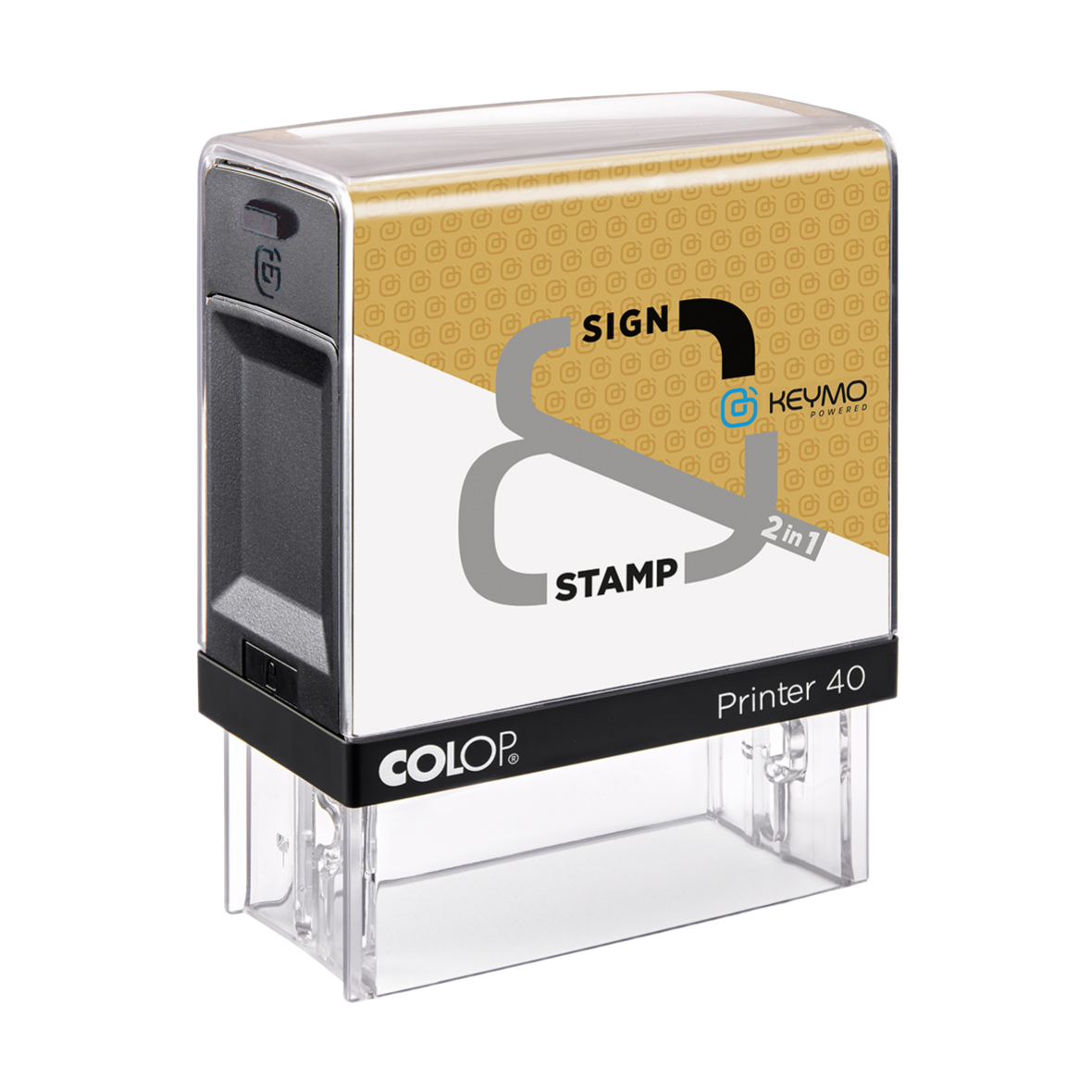
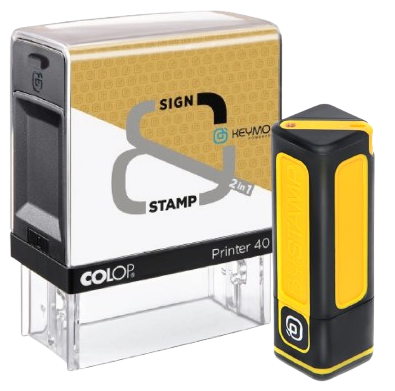
2-in-1 printer, hybrid paper & digital
One simple action, two impressions: physical and digital. The traditional ink stamp, reinvented for today’s world.
They secure their documents with complete confidence using Keymo.
When working from home, we exchange a huge number of documents. Keymo allows me to sign documents whilst maintaining our company’s brand guidelines, logo and colours. Even when working remotely, I represent my company with elegance and clarity. And that really matters.
Brand identity is not just about marketing: it is also about thoroughness and consistency. My clients sign important documents. With Keymo, they do so professionally, without sacrificing their identity. It is a genuine driver of credibility.
For my clients, every element of their communication must be consistent, right down to the email signature. Keymo is the perfect tool: it extends their visual identity, even on digital documents. I recommend it with every brand identity I create.
When I send a quote or a purchase order, I want it to stay professional, even digitally. With Keymo, my signature keeps my logo, my colours, my style. Plus, it’s super simple: I sign directly, even from my phone. It’s a small detail that makes all the difference.